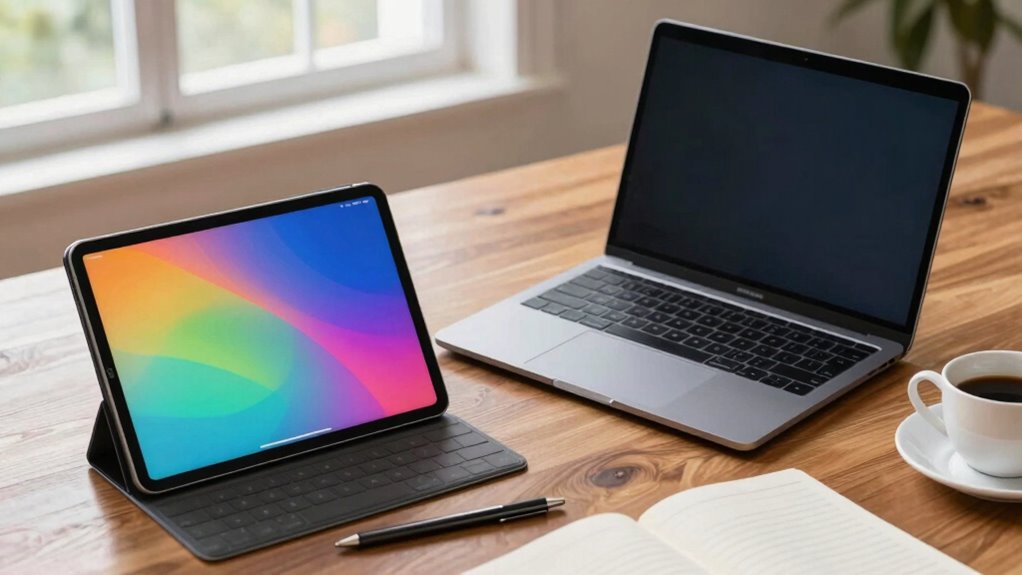

If you need serious work capabilities, a laptop generally handles more real work thanks to its powerful hardware, better software compatibility, and support for multitasking and peripherals. While tablets are great for casual use and portability, they often lack the processing power and full desktop environment for demanding tasks. If you’re after heavy-duty work, laptops are the smarter choice—stay with us to explore how these devices compare in detail.

Prime made for students and young adults
- Fast, free delivery for dorm and study essentials
- Prime Video and Amazon Music included
- Member-only deals
Key Takeaways
- Laptops generally have more powerful hardware capable of handling resource-intensive professional tasks.
- They support extensive multitasking and run specialized software unavailable on tablets.
- Laptops offer better compatibility with peripherals and complex setups for demanding work.
- Tablets excel in portability and quick task execution but are limited for heavy-duty work.
- The best choice depends on balancing portability needs with the required processing power.
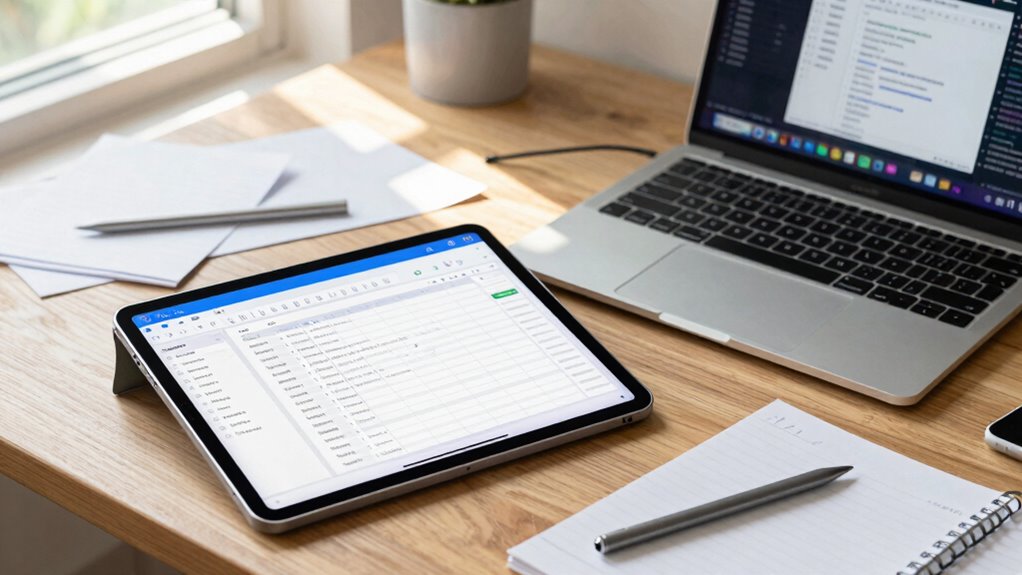
Despite their portability, tablets sometimes fall short when it comes to more complex or resource-intensive work. Their hardware can be less powerful than that of laptops, especially when you need to run demanding software or multitask heavily. While high-end tablets can handle some professional tasks, they often lack the processing power and software compatibility that a laptop provides. If your work involves extensive multitasking, running multiple applications simultaneously, or using specialized programs, a laptop’s larger screen, physical keyboard, and more robust hardware will serve you better. Additionally, the availability of professional software tailored for laptops further enhances their suitability for serious work. That said, the convenience of a tablet can’t be overstated. You can quickly jot down ideas, review documents, or present work without lugging around a heavy machine. Many tablets also come with detachable keyboards, turning them into hybrid devices that offer the best of both worlds. Yet, if your work requires a full desktop environment, multiple peripherals, or software that’s only available on desktop OS, a laptop remains the more suitable option. In the end, it’s about balancing portability convenience with the demands of your work. If you prioritize mobility and light tasks, a tablet with stylus precision might be enough. But if you need raw power and a traditional workspace, a laptop is likely the better choice. Consider what you do most often, how you work best, and how much you’re willing to carry around to make an informed decision. Understanding hardware capabilities can help you choose the device that best fits your professional needs.
As an affiliate, we earn on qualifying purchases.
Frequently Asked Questions
Which Device Has Better Battery Life for Extended Use?
You’ll find that tablets generally have better battery endurance, making them ideal for extended use without frequent charging. Their power longevity often surpasses laptops, especially lightweight models designed for portability. If you prioritize longer sessions away from power outlets, a tablet’s efficient battery life can keep you productive. Laptops may offer more power-hungry features, which can drain their batteries faster, so choose based on your need for sustained use.
Can Tablets Run All Desktop Software Like Laptops?
Tablets can’t run all desktop software like laptops due to limited software compatibility. While they excel in portability and multitasking efficiency with touch interfaces, they often lack the power or compatibility for complex applications. If you need full desktop software access, laptops are the better choice. Tablets are ideal for light tasks, note-taking, and browsing, but for all-encompassing work, a laptop provides the necessary software compatibility and multitasking capabilities.
How Do Tablets Perform in Graphic Design Tasks?
Tablets excel in graphic design tasks thanks to their Stylus Precision, allowing you to create detailed artwork with ease. They often offer superior Color Accuracy, making your designs vibrant and true to life. Plus, their portability lets you work anywhere without sacrificing quality. While they might not handle complex software as smoothly as laptops, for digital art and sketching, tablets provide a seamless, intuitive experience that meets most creative needs.
Are Keyboards on Tablets as Effective as Full-Sized Laptop Keyboards?
Think of tablet keyboards as sprinters—quick and handy but not built for marathon runs. They offer touchscreen versatility, making typing convenient, but their keyboard ergonomics often fall short compared to full-sized laptops. You might find yourself strained or less efficient during long typing sessions. While tablets excel in portability, their keyboards can’t match the comfort and speed of a full-sized laptop keyboard, especially for extended work.
Which Device Offers Better Privacy and Security Features?
Laptops generally offer better privacy and security features than tablets. You can enable data encryption and biometric authentication like fingerprint or facial recognition on laptops, providing strong protection for your data. While tablets also support these features, laptops often have more advanced security options, making them a better choice if privacy is your top priority. You’ll feel more confident knowing your sensitive information stays secure with robust security measures.
Conclusion
In the end, a tablet feels like a sleek sketchpad—light and portable, perfect for quick notes and casual browsing. Meanwhile, a laptop resembles a sturdy workspace—rigid and powerful, ready to handle complex tasks. Think of the tablet as your nimble sketch artist, capturing ideas on the go, while the laptop stands as your dedicated office, built for serious work. Choose the one that matches your daily rhythm, and you’ll conquer your tasks with ease.
Fall Picks
fall essentials
As an affiliate, we earn on qualifying purchases.