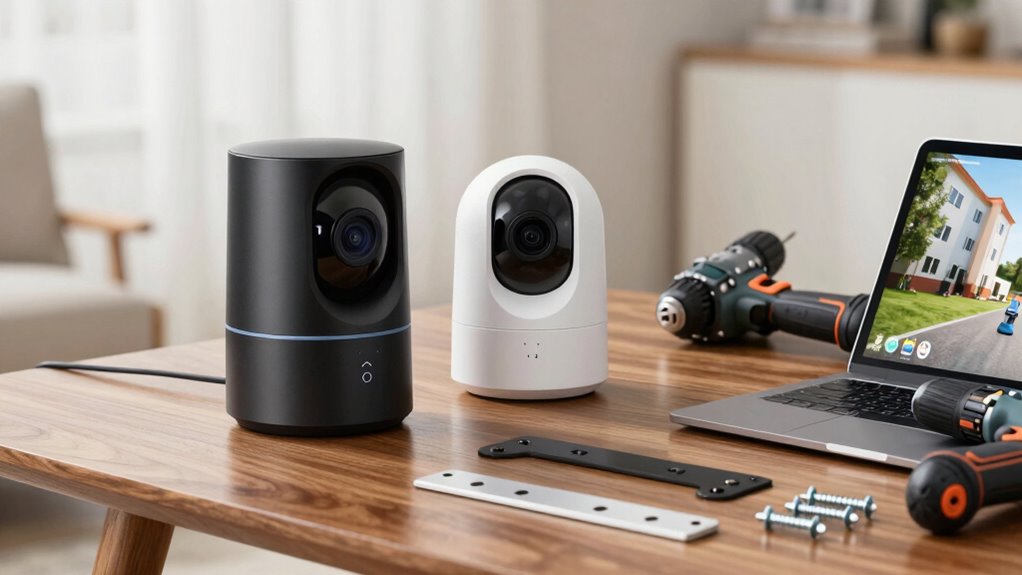
To choose a home security camera system, focus on wireless options for easy installation and flexible placement. Look for high-resolution video (720p to 4K) to get clear images, but balance this with storage and bandwidth needs. Make certain the system has strong Wi-Fi connectivity and advanced security protocols to protect your data. Consider extra features like night vision and motion detection to improve effectiveness. Keep exploring to discover how all these factors work together for reliable home security.

Prime made for students and young adults
- Fast, free delivery for dorm and study essentials
- Prime Video and Amazon Music included
- Member-only deals
Key Takeaways
- Prioritize wireless cameras for easier installation and flexible placement without extensive wiring.
- Select a resolution that balances clear footage (HD or 4K) with storage and bandwidth capabilities.
- Ensure the system has strong, reliable Wi-Fi connectivity and robust security protocols to protect data.
- Consider additional features like night vision, motion detection, and two-way audio for comprehensive security.
- Research models, read reviews, and compare features to find a system suited to your home layout and security needs.
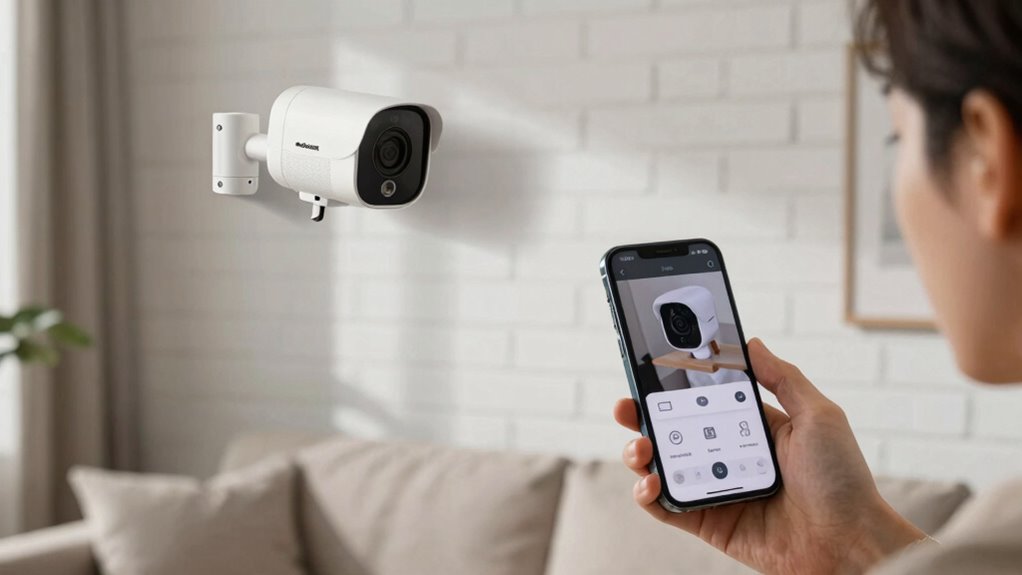
Are you overwhelmed by the options when choosing a home security camera system? With so many models and features available today, it’s easy to feel lost. To start narrowing down your choices, focus on the wireless options. Wireless cameras are increasingly popular because they’re easier to install, don’t require extensive wiring, and can be moved around as needed. They connect to your Wi-Fi network, which means you can monitor your home remotely via your smartphone or computer. When considering wireless options, check if the cameras support strong, reliable connections to avoid lag or dropouts. Also, look into features like battery-powered versus wired wireless cameras, so you can choose based on how much flexibility you want in placement. Some models offer rechargeable batteries, reducing the need for constant power sources, but keep in mind that battery life varies and might require regular charging.
Next, consider the video resolution of the cameras. Video clarity is essential because, in the event of an incident, you want clear footage that can help identify faces, license plates, or other details. Most modern security cameras offer high-definition video, with options ranging from 720p to 4K resolution. While higher resolution means sharper images, it also requires more storage space and bandwidth. Balance your needs by choosing a resolution that provides clear footage without overwhelming your storage capacity or slowing down your network. If you’re concerned about storage, look for cameras with cloud storage options or local recording capabilities. Some cameras come with adjustable video quality settings, allowing you to optimize storage and bandwidth use based on your priorities. Additionally, understanding wireless connectivity is crucial to ensure your system functions reliably and without interruptions. Choosing a system with a robust wireless network can prevent issues caused by weak signals or interference. It’s also helpful to consider security protocols to protect your data and maintain privacy. Utilizing encryption standards can further enhance the security of your video footage and personal information. Furthermore, selecting cameras with advanced encryption features can provide added reassurance about the safety of your footage.
In addition to wireless options and video resolution, you should also evaluate other features like field of view, night vision, motion detection, and two-way audio. But starting with wireless connectivity and video resolution will markedly impact the effectiveness of your security system. Wireless cameras give you flexibility in placement, and choosing a suitable video resolution ensures you can identify details when it matters most. Take your time to research different models, read reviews, and compare features to find a system that fits your home’s layout and your security needs. Remember, the right combination of wireless options and video resolution sets the foundation for a reliable, easy-to-manage home security camera system.
Popular right now

Bose QuietComfort Wireless Noise Cancelling Headphones, Sandstone

TCL T7 Series 85-Inch 4K 144Hz QLED Smart Google TV

Dyson V8 Cyclone Cordless Vacuum
As an affiliate, we earn on qualifying purchases.
Frequently Asked Questions
What Is the Average Cost of a Security Camera System?
The average cost of a security camera system ranges from $200 to $1,000, depending on your chosen pricing options and features. You can find budget-friendly options with basic technology, or invest in advanced systems with the latest technology advancements like 4K resolution, night vision, and smart home integration. Your decision should match your security needs and budget, ensuring you get the best value without overspending.
How Do I Connect Cameras to My Home Wi-Fi?
Did you know that 85% of home burglaries happen when no one’s home? To connect your cameras to Wi-Fi, start by downloading the camera’s app. Then, enable wireless connectivity and follow prompts to connect each camera to your network. Make sure your Wi-Fi has enough bandwidth to support multiple cameras, preventing lag. Keep your network secure by changing default passwords and using strong, unique ones.
Can Security Cameras Be Hacked or Compromised?
Yes, security cameras can be hacked or compromised if cybersecurity threats target your network. Hackers may exploit weak passwords or unprotected connections, risking your privacy. To protect yourself, guarantee your cameras support camera encryption and keep your firmware updated. Use strong, unique passwords and enable two-factor authentication where possible. Regularly monitoring your system helps detect unusual activity, keeping your home security safer from cyber threats.
What Is the Best Resolution for Clear Video Footage?
For clear video footage, aim for a camera with at least 1080p resolution, which offers excellent camera clarity and sharp details. Higher resolutions like 4K provide even better clarity, making it easier to identify faces or license plates. Keep in mind, higher video resolution requires more storage and bandwidth. So, balance your need for detailed footage with your system’s capacity, ensuring you get the best resolution for your security needs.
Do Security Cameras Require Professional Installation?
You might be surprised, but security cameras often don’t require professional installation. With DIY installation, you can easily set up most systems using clear instructions or app-guided setup. However, for complex setups or if you prefer a seamless, professionally optimized system, a professional setup might be worth it. Consider your technical comfort level and the camera system’s complexity to decide whether to go DIY or hire a pro.
Conclusion
Investing in a home security camera system might seem costly or complicated, but it’s worth the peace of mind it offers. With so many options available, it’s easy to find one that fits your needs and budget. Remember, a good system isn’t just about technology — it’s about protecting what matters most. So don’t wait until it’s too late; take action now and enjoy the safety and confidence a reliable system brings.