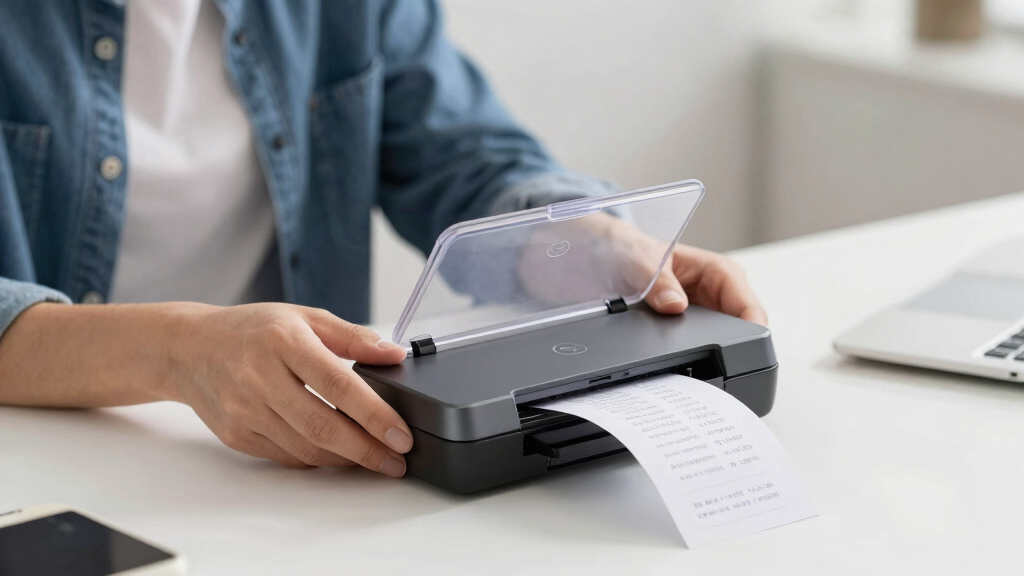
When searching for the best document scanners for receipts, the key considerations are portability, speed, and ease of use. The Brother DS-640 stands out for its compact design, perfect for on-the-go scanning, while the ScanSnap iX2500 offers high-speed performance with a touchscreen for busy home or office use. Buyers often face tradeoffs between size and scanning speed, or between wireless features and simplicity. Continue reading for a detailed breakdown of the top options and what makes each one unique.
Key Takeaways
- The fastest scanners like the ScanSnap iX2500 excel in high-volume receipt processing but tend to be larger and more expensive.
- Portability is a major factor, with models like the Epson ES-50 and Brother DS-640 offering compact designs ideal for mobile use.
- Wireless connectivity varies widely; some models include Wi-Fi or Bluetooth, while others rely on USB, impacting ease of use in different setups.
- Touchscreens and large feeders improve user experience, but often add to the cost and size of the scanner.
- Price often correlates with features; premium options provide faster speeds and better document management, but budget-friendly choices can still deliver solid performance for casual use.
| Brother DS-640 Compact Mobile Document Scanner |  | Best Overall for Portability and Versatility | Speed: 16 pages per minute | Weight: 1.5 lbs | Dimensions: Less than 1 foot in length | VIEW LATEST PRICE | See Our Full Breakdown |
| Epson RapidReceipt RR-60 Mobile Tax Receipt and Color Document Scanner |  | Best Value for Automated Receipt Organization | Scan Speed: up to 10 pages per minute | Weight: under 10 oz | Maximum Document Size: 8.5″ x 72″ | VIEW LATEST PRICE | See Our Full Breakdown |
| ScanSnap iX2400 High-Speed One-Touch Document Scanner, Black |  | Best for High-Volume, Fast Scanning | Speed: 45 pages per minute | Auto Document Feeder Capacity: 100 pages | Connectivity: Wired USB | VIEW LATEST PRICE | See Our Full Breakdown |
| ScanSnap iX2500 Wireless and USB Document Scanner with Touchscreen and 100-Page Feeder |  | Best for Professional-Grade Ease and Connectivity | Connectivity: Wi-Fi 6, USB-C | Touchscreen: 5-inch | Document Feeder Capacity: 100 pages | VIEW LATEST PRICE | See Our Full Breakdown |
| Epson WorkForce ES-50 Portable Sheet-Fed Document Scanner for PC and Mac |  | Best for On-the-Go Scanning | Scanner Type: Sheet-fed Document Scanner | Connectivity: USB | Compatible Operating Systems: Windows 10, 8.1, 8, 7; MacOS High Sierra, Sierra, El Capitan | VIEW LATEST PRICE | See Our Full Breakdown |
| Epson RapidReceipt RR-600W Wireless Desktop Color Duplex Document & Tax Receipt Scanner |  | Best for Business and High-Volume Processing | Technology: ScanSmart AI PRO | Connectivity: Wireless, USB | Color: Color | VIEW LATEST PRICE | See Our Full Breakdown |
| ScanSnap iX1300 Compact Wireless and USB Color Document Scanner |  | Best for Versatile, Space-Saving Scanning | Connectivity: Wi-Fi, USB | Speed: up to 30 pages per minute | Color: Color | VIEW LATEST PRICE | See Our Full Breakdown |
More Details on Our Top Picks
Brother DS-640 Compact Mobile Document Scanner
The Brother DS-640 stands out for its combination of compact size and versatile connectivity, making it ideal for users who need to scan receipts on the go. Compared with larger models like the ScanSnap iX2400, it offers less speed but trades that for extreme portability and compatibility with multiple OS environments. Its automatic image adjustments help produce high-quality scans in varied settings, though it requires a connection to a PC or laptop, which can limit mobility. The software setup might challenge less tech-savvy users, but overall, this scanner excels for mobile professionals and those with limited desk space.
Pros:- Extremely lightweight and portable at just 1.5 lbs
- Fast scanning speeds of up to 16 pages per minute
- Supports multiple OS and cloud services
Cons:- Requires connection to a PC for operation, limiting standalone use
- Software setup can be complex for some users
Best for: Travelers, mobile professionals, or small business owners who need reliable scanning on the move
Not ideal for: Users requiring high-volume scanning or standalone operation without a PC
- Speed:16 pages per minute
- Weight:1.5 lbs
- Dimensions:Less than 1 foot in length
- Connectivity:USB 3.0
- Supported OS:Windows, Mac, Linux
- Features:Color detection, image rotation, bleed through prevention, text enhancement, OCR
Bottom line: This scanner suits users who prioritize portability and flexibility over high-volume speed.
Epson RapidReceipt RR-60 Mobile Tax Receipt and Color Document Scanner
The Epson RapidReceipt RR-60 is designed for quick digitization of receipts and small documents, making it perfect for small business owners or individuals tracking expenses. Its AI-powered data extraction and automatic organization outperform manual scanning solutions, especially compared to the slower ScanSnap iX1300. While its maximum speed of 10 pages per minute is somewhat limited, its lightweight design and mobile connectivity via Wi-Fi make it easy to carry and use anywhere. The need for software setup and limited volume capacity are tradeoffs, but its smart features can significantly reduce manual sorting efforts for receipt-heavy workflows.
Pros:- Lightweight and portable under 10 oz
- AI-powered data extraction and automatic organization
- Supports cloud storage and financial software integration
Cons:- Limited to 10 pages per minute, slower than larger scanners
- Additional software setup required for full features
Best for: Small business owners, freelancers, or individuals managing expense receipts
Not ideal for: High-volume offices or users who need faster scanning speeds
- Scan Speed:up to 10 pages per minute
- Weight:under 10 oz
- Maximum Document Size:8.5″ x 72″
- Connectivity:USB, Wi-Fi
- Software Compatibility:Windows and Mac
- Features:AI data extraction, automatic organization
Bottom line: This scanner is ideal for expense tracking and receipt management with smart automatic features.
ScanSnap iX2400 High-Speed One-Touch Document Scanner, Black
The ScanSnap iX2400 is tailored for busy environments where high-speed, reliable scanning matters. Its ability to scan up to 45 pages per minute with an auto document feeder of 100 pages surpasses most mobile options, including the Epson RR-60. The automatic detection, cleanup, and organization features streamline workflows, especially for scanning receipts, business cards, and envelopes. However, its wired-only connection limits flexibility, and it may be overkill for casual users or those with lower volume needs. Still, for small offices or teams, it offers unmatched speed and efficiency.
Pros:- Fast speed of up to 45 pages per minute
- Automatic detection and cleanup of documents
- Reliable wired USB connection for steady operation
Cons:- No wireless functionality, limiting flexibility
- Overly feature-rich for casual or infrequent use
Best for: Small offices, teams, or users with large scanning volumes who prefer wired reliability
Not ideal for: Users who require wireless or portable scanning options
- Speed:45 pages per minute
- Auto Document Feeder Capacity:100 pages
- Connectivity:Wired USB
- Color:Black
- Features:Automatic detection, cleanup, and organization
Bottom line: This scanner fits environments demanding high throughput and wired stability over portability.
ScanSnap iX2500 Wireless and USB Document Scanner with Touchscreen and 100-Page Feeder
The ScanSnap iX2500 combines speed, ease of use, and modern connectivity, making it ideal for busy professionals and small teams. Its large 5-inch touchscreen simplifies operation, and it delivers high-speed double-sided scanning at 45 pages per minute with a 100-page feeder. The flexible Wi-Fi 6 and USB-C support ensures quick connectivity to multiple devices and seamless cloud integration, surpassing the more basic wired-only iX2400. The premium price might be a barrier for casual users, but its intuitive interface and device-independence make it a top choice for those seeking efficiency and modern features.
Pros:- Fast double-sided scanning at 45 ppm
- Large, responsive touchscreen for straightforward operation
- Supports Wi-Fi 6, USB-C, and cloud services
Cons:- Higher price point may deter casual users
- Size could require dedicated space
Best for: Small business owners or professionals who need fast, wireless, and easy-to-operate scanning
Not ideal for: Budget-conscious users or those with limited space for large devices
- Connectivity:Wi-Fi 6, USB-C
- Touchscreen:5-inch
- Document Feeder Capacity:100 pages
- Scanning Speed:45 pages per minute
- Supported Devices:Mac, PC, iOS, Android
- Cloud Support:Yes
Bottom line: This scanner is best suited for professionals who value speed, ease of use, and modern connectivity options.
Epson WorkForce ES-50 Portable Sheet-Fed Document Scanner for PC and Mac
The Epson WorkForce ES-50 stands out for its ultra-compact design, making it perfect for professionals who need to scan receipts and documents while traveling or working remotely. Compared with the ScanSnap iX1300, it is less versatile in handling high-volume tasks but excels in portability and quick single-sheet scans, with a speed of 5.5 seconds per page. Its reliance on USB power keeps it simple but limits use to USB-connected devices, unlike the wireless options of the RR-600W. The basic software supports OCR and organization, yet it doesn’t cater to those needing batch processing or advanced features. This model is ideal for users who prioritize mobility over high-volume capacity but need reliable, quick scans of individual receipts.
Pros:- Extremely compact and lightweight, ideal for portable use
- Fast scan speed of 5.5 seconds per page for single sheets
- Supports a broad range of document sizes including ID cards and receipts
- Includes OCR software for easy organization
Cons:- Limited to scanning one sheet at a time, unsuitable for bulk tasks
- No wireless or battery power; requires USB connection
Best for: Freelancers and business travelers who need a lightweight, portable scanner for occasional receipt capture
Not ideal for: Offices with high-volume scanning needs or users requiring wireless connectivity and advanced automation
- Scanner Type:Sheet-fed Document Scanner
- Connectivity:USB
- Compatible Operating Systems:Windows 10, 8.1, 8, 7; MacOS High Sierra, Sierra, El Capitan
- Maximum Document Size:8.5 x 72 inches
- Scan Speed:Up to 5.5 seconds per page
- Power Source:USB powered
Bottom line: This is best suited for mobile professionals who need quick, reliable receipt scans on the go.
Epson RapidReceipt RR-600W Wireless Desktop Color Duplex Document & Tax Receipt Scanner
The Epson RapidReceipt RR-600W makes a compelling choice for busy offices needing efficient, automated receipt processing. Its AI-powered ScanSmart AI PRO technology allows for intelligent data extraction, setting it apart from more basic scanners like the ScanSnap iX1300. The large 100-page automatic document feeder and duplex scanning at 35 pages per minute enable high-volume workloads with minimal manual intervention. Its wireless connectivity and 4.3-inch touchscreen facilitate PC-free operation, ideal for multifunctional workspaces. However, the AI features add complexity, making it less suitable for users who prefer straightforward, plug-and-play devices. This scanner is perfect for teams that want fast, organized digital receipt management with minimal fuss.
Pros:- High-speed duplex scanning at 35 pages per minute
- AI-powered data extraction simplifies financial record keeping
- Large 100-page automatic document feeder reduces manual loading
- Wireless and PC-free operation with a 4.3-inch touchscreen
Cons:- Higher price point may be prohibitive for casual users
- AI features require setup and may be complex for some users
- Not designed for very high-volume or industrial-level scanning
Best for: Small to medium-sized businesses or accounting teams handling large numbers of receipts regularly
Not ideal for: Individuals or small offices with infrequent scanning needs who might find the AI features overly complex or costly
- Technology:ScanSmart AI PRO
- Connectivity:Wireless, USB
- Color:Color
- Duplex Scanning Speed:up to 35 pages per minute
- Document Feeder Capacity:100 pages
- Touchscreen:4.3-inch color
Bottom line: This scanner is best for busy teams needing fast, organized receipt management with minimal manual effort.
ScanSnap iX1300 Compact Wireless and USB Color Document Scanner
Compared to the RR-600W, the ScanSnap iX1300 offers a more space-efficient design with excellent versatility, making it suitable for varied document types beyond receipts, such as photos and business cards. It scans at up to 30 pages per minute, slightly slower than the RR-600W but still swift enough for small to medium workloads. Its automatic features — de-skew, blank page removal, color optimization — improve efficiency and reduce post-scan editing. While it lacks the AI-powered data extraction of the RR-600W, it excels in ease of use and cloud integration. However, for high-volume, automated workflows, it may fall short due to limited capacity and manual setup requirements. This model makes sense for users seeking a compact, all-around scanner that fits into small workspaces and supports multiple cloud services.
Pros:- Space-saving, compact design fits small desks
- High-speed duplex scanning at 30 pages per minute
- Automatic de-skew, blank page removal, and color adjustments
- Supports a variety of devices and cloud services
Cons:- Limited capacity for very high-volume scanning
- Requires software configuration for full features
- Less advanced automation compared to AI-powered models
Best for: Small offices, home users, or students needing a compact scanner for receipts and assorted documents
Not ideal for: High-volume offices or users requiring advanced AI processing or large document capacity
- Connectivity:Wi-Fi, USB
- Speed:up to 30 pages per minute
- Color:Color
- Automatic Features:De-skew, blank page removal, color optimization
- Compatibility:Mac, PC, Chromebook, mobile devices
- Feeder Type:Automatic and Manual
Bottom line: This is a great choice for users who need a reliable, versatile, and space-efficient scanner for moderate receipt and document scanning tasks.
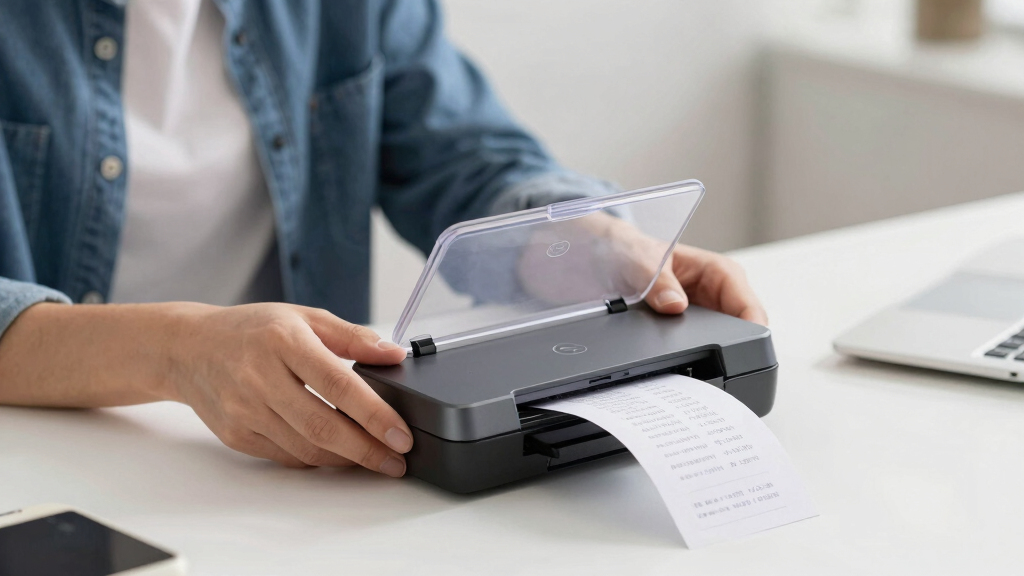
How We Picked
I evaluated each scanner based on performance, ease of use, build quality, and value for the typical receipt-scanning task. Priority was given to models that balanced speed with portability, since receipts are often scanned on the go or in small batches. Reliability and ease of maintenance also played a role, alongside user interface features like touchscreens or wireless connectivity. Products were ranked according to how well they serve different user needs, from casual home users to busy professionals handling high volumes of receipts.Factors to Consider When Choosing Best Document Scanners For Receipts
Choosing the best receipt scanner involves understanding several key factors. The right model depends on your scanning volume, whether you prefer wireless operation, and how much space you have available. Considering these factors helps avoid common pitfalls like buying a bulky scanner when portability matters most, or selecting a slow model that hampers productivity. Below are critical aspects to evaluate before making a purchase.Speed and Capacity
For those with large volumes of receipts, a scanner with higher throughput and a generous feeder capacity saves time and reduces frustration. Conversely, occasional users can get by with slower, simpler models. Speed is often measured in pages per minute, so prioritize a high rate if you handle many receipts daily. Also, check if the scanner supports duplex scanning, which can double efficiency for double-sided receipts.
Portability and Size
If you frequently scan receipts on the go or at multiple locations, a compact, lightweight model is essential. Larger desktop scanners tend to offer better features but can be cumbersome for mobile use. Consider whether wireless connectivity offsets the need for portability, or if a simple USB connection suffices. Balance size with your typical workflow to avoid a device that’s either too bulky or too limited in function.
Connectivity Options
Wireless scanners with Wi-Fi or Bluetooth can streamline receipt management, especially if multiple devices or cloud storage are involved. However, wireless features often come with a higher price and potential setup complexity. USB-only models tend to be more straightforward and reliable, making them better suited for fixed locations. Think about your preferred workflow and whether seamless wireless transfer justifies the extra cost.
Ease of Use and Maintenance
A user-friendly interface, like a touchscreen or simple controls, makes scanning receipts faster and reduces errors. Maintenance considerations, such as easy clearing of paper jams and straightforward cleaning, also matter for long-term usability. Some models include automatic image correction or OCR features, which can save time during organization. Weigh these convenience features against the initial price and complexity to find your best fit.
Price and Value
Prices range from budget-friendly options to premium models with advanced features. While cheaper scanners may suffice for light use, investing in a slightly more expensive model often results in better speed, durability, and ease of use. Consider your expected scanning volume and whether the added features of higher-end devices will truly benefit your workflow. A good balance of price and performance ensures you don’t overspend or underbuy for your needs.
Frequently Asked Questions
Will a portable scanner handle large batches of receipts efficiently?
Portable scanners are generally designed for quick, on-the-go use, and often have smaller feeders and slower speeds. If you need to scan large batches regularly, a desktop or high-speed model with a larger capacity and faster throughput will serve you better. Portable models are ideal for occasional or immediate receipt capture, but may become a bottleneck for high-volume tasks.
Is wireless connectivity worth the extra cost for receipt scanning?
Wireless connectivity provides significant convenience, allowing you to send scanned images directly to your devices or cloud storage without cables. If you frequently scan receipts at different locations or want seamless integration with apps, investing in a Wi-Fi or Bluetooth-enabled scanner is worthwhile. However, if you primarily scan from a fixed desk and prefer simplicity, a USB-only model can be more reliable and budget-friendly.
What’s the best scanner for someone new to digital receipt management?
For beginners, a model with an intuitive interface, such as a touchscreen, and straightforward setup is ideal. The Epson WorkForce ES-50, for example, offers simplicity with solid performance in a compact form. Avoid overly complicated models with advanced settings that might overwhelm new users. Starting with a user-friendly device ensures a smoother transition to digital receipts without frustration.
Do I need a duplex scanner for receipts?
Most receipts are single-sided, so duplex scanning isn’t a necessity unless you frequently scan documents with both sides. Duplex scanners are more useful for double-sided documents like contracts or statements. For receipts, a single-sided scanner with fast speed and good image quality will usually suffice. Consider your typical usage to avoid paying extra for a feature you don’t need.
How important is OCR capability in a receipt scanner?
OCR (Optical Character Recognition) allows scanned receipts to be converted into editable and searchable text, which can be invaluable for organizing and tax purposes. If you plan to categorize receipts, extract data, or integrate with accounting software, choosing a scanner with robust OCR features makes sense. For simple storage and occasional reference, OCR may be a nice-to-have rather than a must-have.
Conclusion
For most users, the ScanSnap iX2500 offers the best balance of speed, ease of use, and features, making it ideal for busy professionals or home offices. The Brother DS-640 is perfect for those needing portability and quick scans on the move, especially for casual or infrequent use. If budget is a concern, the Epson ES-50 provides reliable performance in a compact, affordable package. For users with high-volume needs and a fixed workspace, the Epson RR-600W offers top-tier speed and wireless convenience. Ultimately, your choice should align with your scanning volume, workspace, and whether mobility or speed matters most.